1. Plug In
Insert the Portal USB dongle into any PC — Windows, macOS, or Linux. No drivers, no software install on the PC side. The device registers instantly.
Action&Link
Turn your body into the controller.
100+ PC & Switch games. Just plug in and move.
100+ compatible titles on PC and Nintendo Switch — including 20+ officially adapted games with full motion support, and a growing library of community-contributed configs you can use or build on.
 Stellar Blade
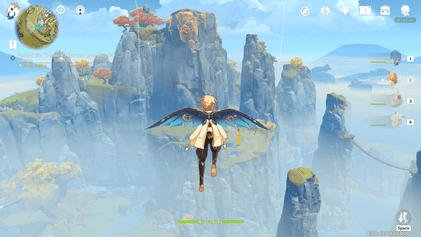 Genshin Impact
 Wuthering Waves
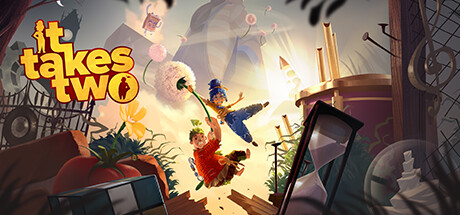 It Takes Two
 Stardew Valley
 Final Fantasy VII Rebirth
 Where Winds Meet
 Sky: Children of the Light
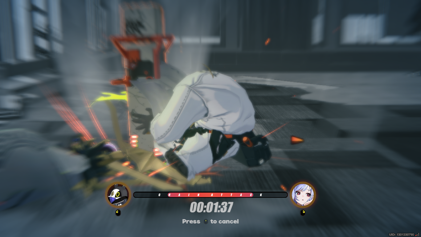 Zenless Zone Zero
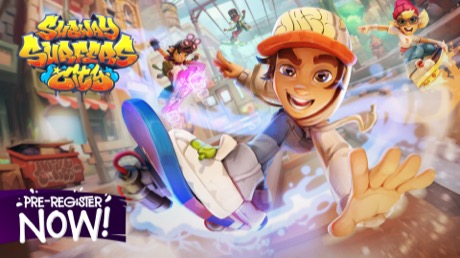 Subway Surfers
 Zelda: Breath of the Wild
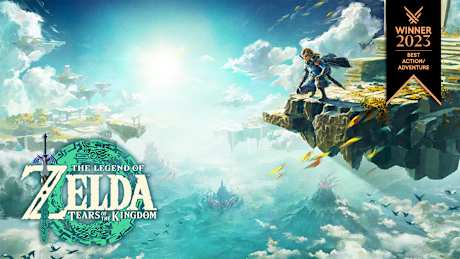 Zelda: Tears of the Kingdom
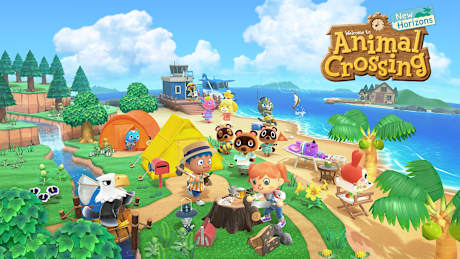 Animal Crossing
 Luigi's Mansion 3
 Donkey Kong Bananza
 Tennis Master
 Temple Run 2
 Friday Night Funkin
 Tag 2
Tag 2 Tunnel Rush
 Blumgi Slime
Three components, one seamless setup. You're gaming in under 5 minutes.
Insert the Portal USB dongle into any PC — Windows, macOS, or Linux. No drivers, no software install on the PC side. The device registers instantly.
Place your iPhone 11 or later on the included stand, about 1.5m in front of you. Open the Action&Link app — it connects to the Portal automatically over Bluetooth.
The app's on-device AI tracks 60+ body keypoints and converts your movements into gamepad, keyboard, or NS Pro controller inputs. Punch, dodge, squat — your body is the controller.
Hardware and software built together for a seamless motion-gaming experience.
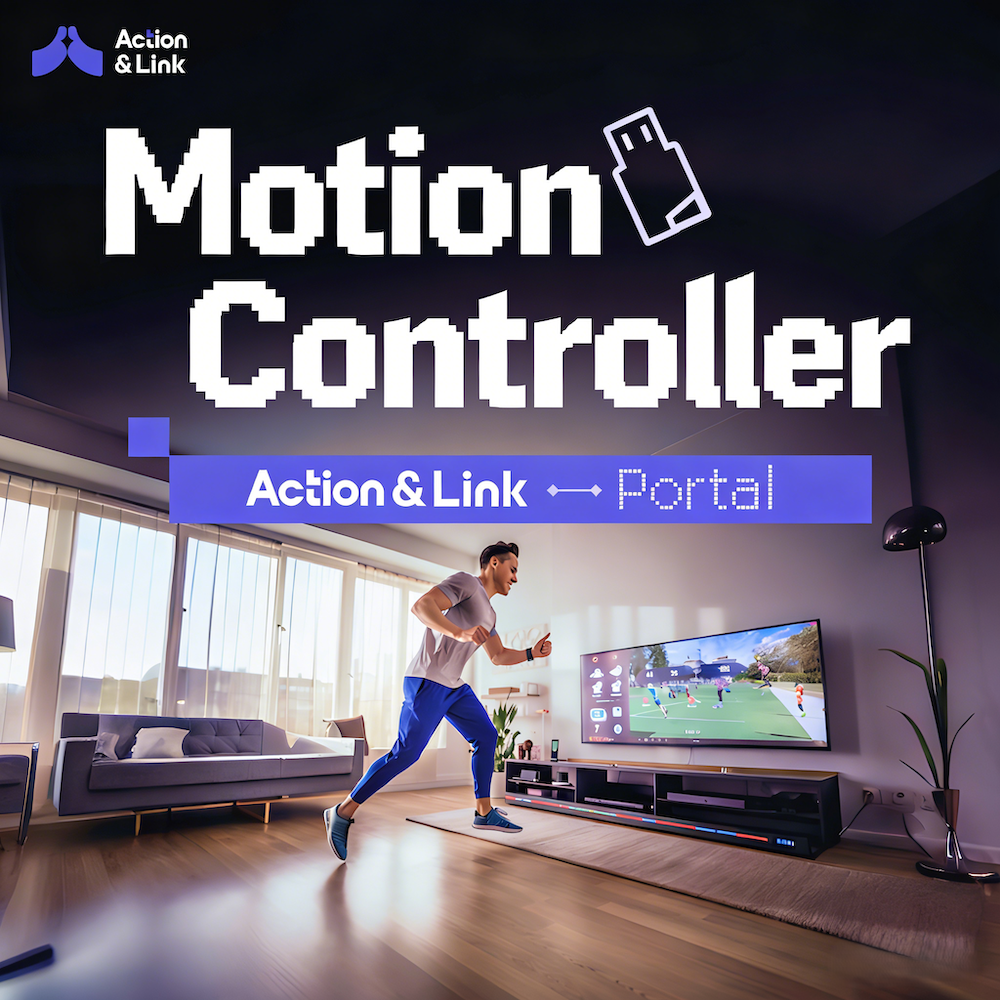
A compact USB dongle that bridges your iPhone to any PC game. Plug it into any USB-A port — the Portal emulates a standard gamepad so every game sees it as a normal controller. Requires iPhone 11 or later running iOS 15+.
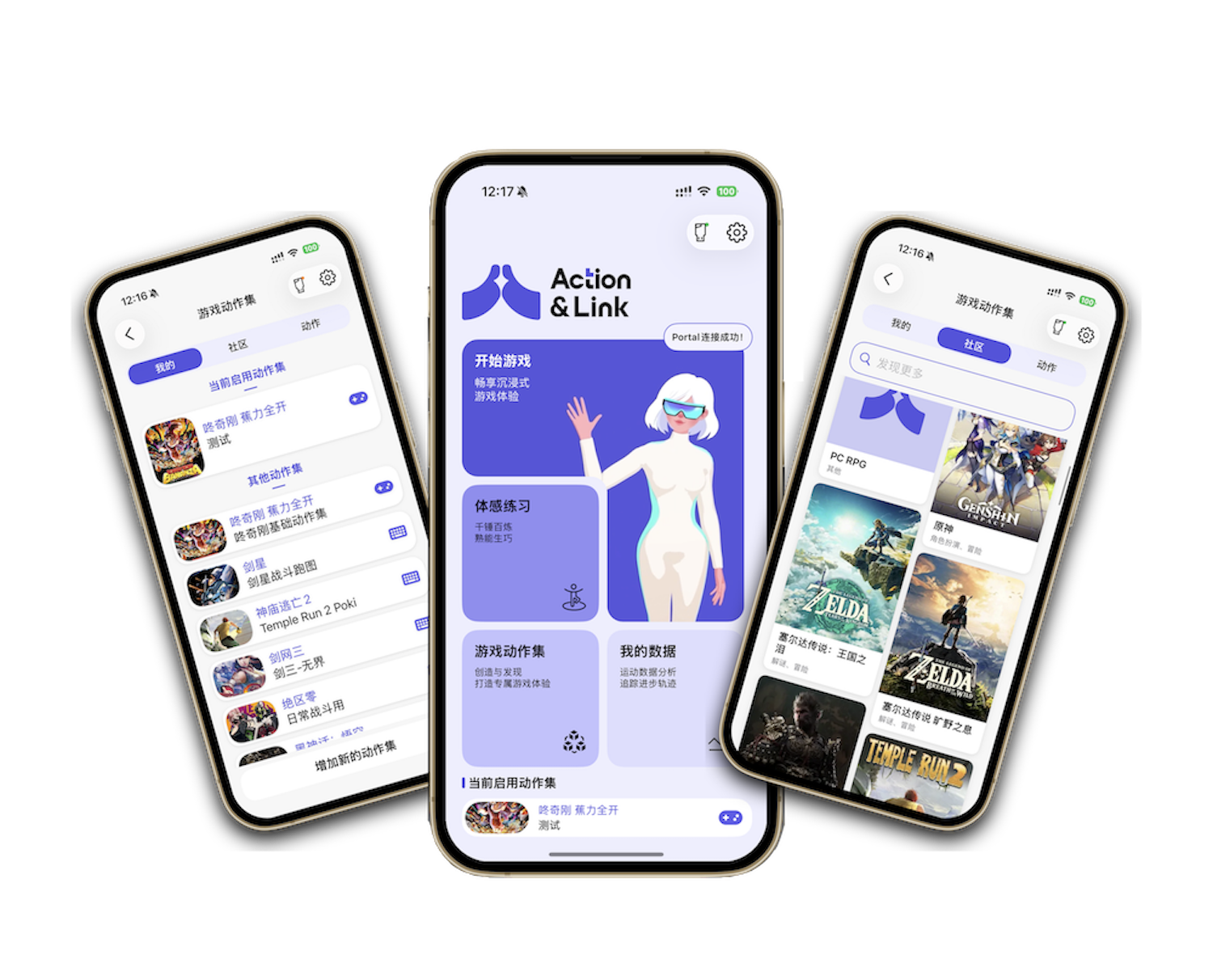
Free iOS app using on-device AI pose detection — no data sent to the cloud, no subscription. Detects 17 body joints at up to 60fps and maps them to fully customizable button bindings. Download once, works with all supported games.
See Action&Link Portal in action across real game sessions
Everything you need to get set up and stay supported.
Step-by-step setup guides, compatible game lists, button mapping references, and troubleshooting tips — all in one place.
View DocsQuestions about orders, setup, or partnerships — reach out anytime.
Tech Oasis Phase III, Minhang District, Shanghai
business@cyberlingke.com